
Dance recital ticketing sounds simple until the first parent asks for six seats together, another family has dancers in two different shows, and your front desk is trying to answer ticket questions while also managing costumes, rehearsals, and tuition balances.
The problem usually is not the tickets themselves. It is the system around them. If ticket sales are disconnected from show assignments, parent communication, check-in, payment tracking, and staff responsibilities, recital week turns into a series of preventable emergencies.
This guide walks through how to build a dance recital ticketing system that keeps families informed, protects your team from last-minute chaos, and helps recital tickets day feel organized from the first email to the final bow.
What Makes Dance Recital Ticketing So Complicated?
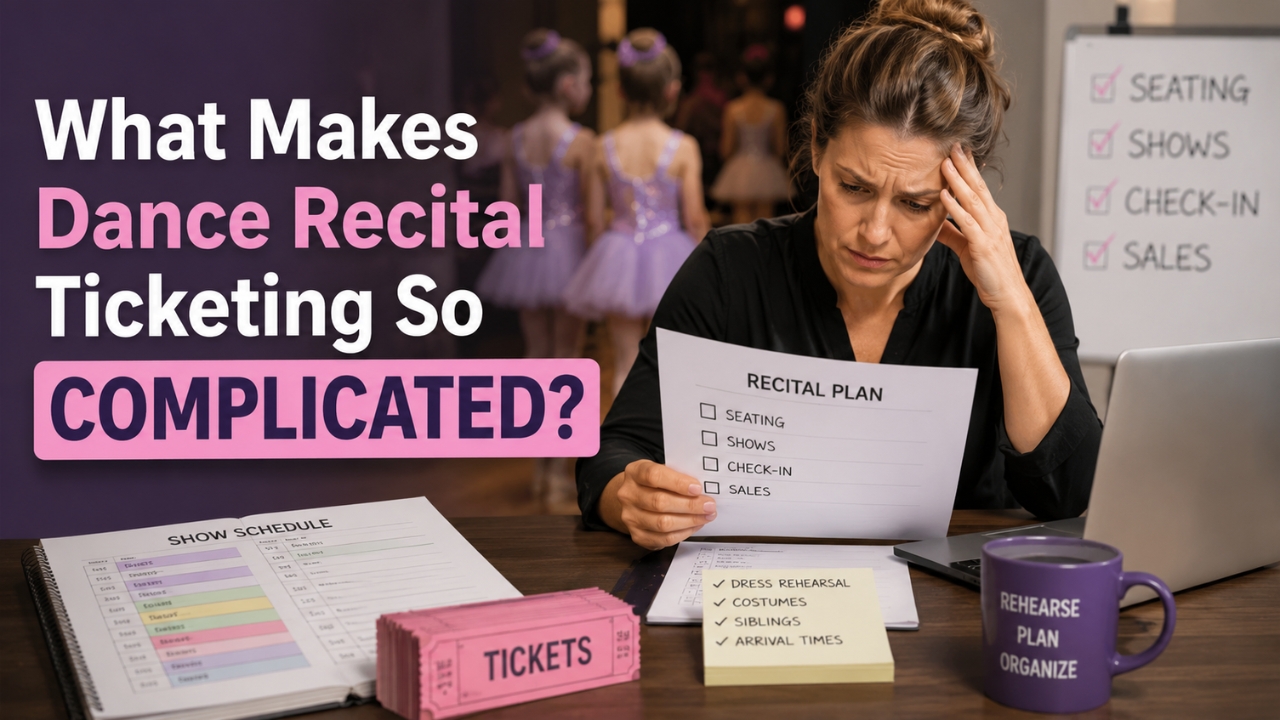
A recital is not a regular event. Most audience members are emotionally invested, many students appear in multiple routines, and parents are juggling dress rehearsal times, costume changes, arrival windows, sibling logistics, and seat preferences all at once.
That creates four pressure points for studio owners:
- Seat fairness: Parents want a clear process for who gets access to seats and when.
- Show clarity: Families need to know exactly which show their dancer is in, especially if siblings perform in different blocks.
- Door control: Staff and volunteers need a fast way to verify who belongs in the audience and who belongs backstage.
- Revenue tracking: Recital tickets sale, recital fees, merchandise, video orders, and flower sales need to be easy to reconcile afterward.
The mistake is treating ticketing as a final dance recital ticketing task. Dance recital ticketing should be designed near the beginning of your recital plan, because it affects your venue layout, performance order, communication calendar, staff plan, and revenue forecast.
Step 1: Choose the Right Ticketing Model
Before you choose a tool, choose your model. The right model depends on your venue, audience size, parent culture, and staffing level.
Reserved seating
Reserved seating gives families specific seats at the time of purchase. It reduces disputes at the door and helps grandparents, large families, and guests with accessibility needs plan ahead.
The trade-off is setup time. You need an accurate seating chart, clear seat holds, and a policy for ticket changes.
General admission
General admission is easier to manage because every ticket grants access to the show rather than a specific chair. It works well for smaller venues, casual showcases, black box performances, or studios with a relaxed parent culture.
The trade-off is door pressure. If families want “good seats,” they may arrive early and form a line. If you choose general admission, publish the door-opening time clearly and train volunteers to manage the flow.
Hybrid seating
A hybrid model gives you the best of both worlds: reserved seating for premium sections, accessibility needs, or VIP sponsorship packages, with general admission for the rest of the house.
This can increase revenue, but only if the policy is simple. If your team cannot explain the seating system in one paragraph, parents will struggle with it too.
Step 2: Build a Fair Ticket Release Plan
Most recital ticketing drama starts when families feel the process was unclear or unfair. Prevent that with a release plan that explains who gets access, when tickets open, how many tickets each family can buy, and what happens after the first window closes.
A simple release plan might look like this:
- Studio family presale: Each participating family can buy up to four tickets for their dancer’s show.
- Second access window: Families can purchase additional seats if inventory remains.
- Public sale: Remaining tickets open to extended family and friends.
- Door sales: Only available if the show is not sold out, with a higher door price if you want to reduce last-minute buying.
If you have multiple shows, make sure each family receives the correct purchase link for the correct performance. One copied link in the wrong email can create a cascade of exchanges and refund requests.
Use your studio management system, parent portal, or segmented email lists to send ticket information by class, routine, or show assignment.
Step 3: Connect Ticketing to Your Recital Communication Calendar
Ticketing should not be one big announcement. It should be a short communication sequence.
Here is a practical dance recital ticketing communication calendar:
- 6–8 weeks before recital: Announce recital dates, venue, show blocks, and when ticket sales will open.
- 4–6 weeks before recital: Send each family their dancer’s show assignment, dress rehearsal time, and ticket policy.
- 2–4 weeks before recital: Open the first ticket window and include a simple FAQ.
- 1–2 weeks before recital: Send reminders about ticket limits, sold-out shows, arrival times, and door procedures.
- 2–3 days before recital: Send a final “what to bring and where to go” email with ticket links, parking notes, backstage check-in, and audience entry instructions.
Do not assume families will remember the original announcement. Dance recital ticketing season is busy for them too. Repetition is not annoying when the information is useful and organized.
Step 4: Price Tickets With a Clear Purpose
Ticket pricing should support your recital budget, not create confusion. Start with your known costs: venue rental, tech crew, lighting, sound, programs, backstage supplies, insurance requirements, security, cleaning fees, and extra staff hours.
Then decide what ticket revenue needs to cover. Some studios use tickets to offset venue and production costs. Others bundle more into recital fees and keep tickets lower. Either model can work as long as families understand what they are paying for.
Common pricing options include:
- Flat pricing: Every seat costs the same. Easiest to explain.
- Tiered pricing: Premium seats cost more than standard seats. Useful for larger venues.
- Early pricing: Tickets cost less during the first purchase window.
- Door pricing: Last-minute tickets cost more to encourage advance purchase.
- Family caps: Each family gets an initial ticket limit before additional seats open.
If you add convenience fees or processing fees, be transparent. Parents dislike surprise charges more than they dislike fees. Put the total cost and fee policy in your ticket FAQ before sales open.
Step 5: Create a Ticketing FAQ Before Parents Ask
Your dance recital ticketing FAQ should answer the questions your team gets every year. Keep it short, specific, and easy to scan.
Include answers to questions like:
- When do tickets go on sale?
- How many tickets can each family buy during the first window?
- Can families buy tickets for multiple shows?
- Are tickets refundable or exchangeable?
- Do lap children need tickets?
- Will dancers watch the show or stay backstage?
- What time do doors open?
- Are seats reserved or general admission?
- What happens if a family buys tickets for the wrong show?
- Who should parents contact for accessibility seating?
Do not hide important policies in a long dance recital ticketing packet. Put the most important ticket rules in the ticket page, the parent portal, and every major ticket email.
Step 6: Plan for Check-In Before You Sell the First Ticket
Ticketing does not end when a parent clicks “purchase.” Your recital-day check-in process determines whether the system actually works.
Before tickets go on sale, decide:
- Who scans or checks audience tickets?
- Where will the audience line form?
- How will volunteers handle screenshots, printed tickets, and missing confirmations?
- Where do dancers enter?
- How do you separate audience access from backstage access?
- Who has authority to solve ticket problems at the door?
If the same person is expected to manage ticket issues, answer parent questions, supervise volunteers, and coordinate backstage traffic, the plan will fail. Assign one person to own front-of-house ticket issues and one person to own dancer check-in. Keep those roles separate.
Step 7: Use Ticket Sales to Improve Next Year’s Recital
After the recital, review your recital tickets data while the details are fresh.
Look at:
- Which shows sold fastest
- Which sections were most popular
- How many families waited until the final week
- How many ticket exchanges or refunds your team handled
- Whether door sales slowed down entry
- Whether your venue size still fits your enrollment
- Which communication emails reduced repeat questions
Save these notes in your recital planning file, not in one person’s memory. If you use dance studio software like Swyvel, store the relevant communication templates, student notes, payment records, and event details in one place so next year’s planning starts with real information instead of guesswork.
What to Look for in Dance Recital Ticketing Software
You can run ticketing manually for a small showcase, but the larger your recital gets, the more you benefit from connected systems. When evaluating ticketing software or studio management software, look for tools that reduce double entry and keep your team aligned.
Useful features include:
- Online ticket sales with secure payment processing
- Reserved seating or clear general admission setup
- Ticket limits by family or purchase window
- Automated confirmations
- Email and SMS reminders
- Student and family records connected to communication
- Sales reporting for tickets, merchandise, and event add-ons
- Simple exports for reconciliation
- Staff access controls so volunteers only see what they need
The key question is not “Can this tool sell tickets?” It is “Can this tool help the whole recital run better?”
Swyvel is built for dance studios that need scheduling, billing, communication, student management, CRM, ecommerce, and reporting in one platform.
For more recital-season planning, you may also want to read Swyvel’s guides to dance recital planning, costume management, and parent communication.
A Simple Dance Recital Ticketing Checklist
Use this checklist before you open ticket sales:
- Confirm venue capacity and accessible seating.
- Finalize show blocks and dancer assignments.
- Choose reserved seating, general admission, or hybrid seating.
- Set ticket limits for the first purchase window.
- Decide refund, exchange, and wrong-show policies.
- Write a short ticket FAQ.
- Segment parent communication by show or class.
- Train staff on ticket questions before sales open.
- Assign front-of-house and backstage roles separately.
- Review sales and check-in data after the event.
If you can check off those ten items, you are no longer just “selling recital tickets.” You are running a system.
Dance Recital Ticketing Should Make the Day Feel Easier
The best dance recital ticketing process is almost invisible. Families know where to go. Volunteers know what to do. Staff can answer questions without hunting through spreadsheets. Dancers arrive on time, parents find their seats, and the show starts with everyone focused on the stage instead of the lobby.
That kind of calm does not happen by accident. It comes from clear policies, early communication, connected tools, and a team that knows the plan before recital week begins.
There’s a Better Way
Swyvel helps dance studios keep scheduling, payments, communication, student records, ecommerce, and reporting connected — so recital season does not have to live in five different systems. Try Swyvel free and take it for a spin with your own studio data.