
Fall enrollment campaigns are ramping up. Competition is fierce. And word-of-mouth, while valuable, is slow. If you want to fill classes now — not six months from now — Google Ads might be the highest-leverage marketing tool you’re not using.
Google Search Ads let you appear right when someone types “dance classes near me” or “ballet lessons for kids [your city].” You’re not interrupting anyone; you’re meeting parents and adult learners at the exact moment they’re actively looking. That’s a fundamentally different kind of marketing than posting on Instagram and hoping the algorithm shows your content.
This guide walks you through how to set up and run Google Ads for your dance studio — from choosing the right keywords to writing ad copy that converts, without burning through your budget on irrelevant clicks.
Why Google Ads Work Especially Well for Dance Studios
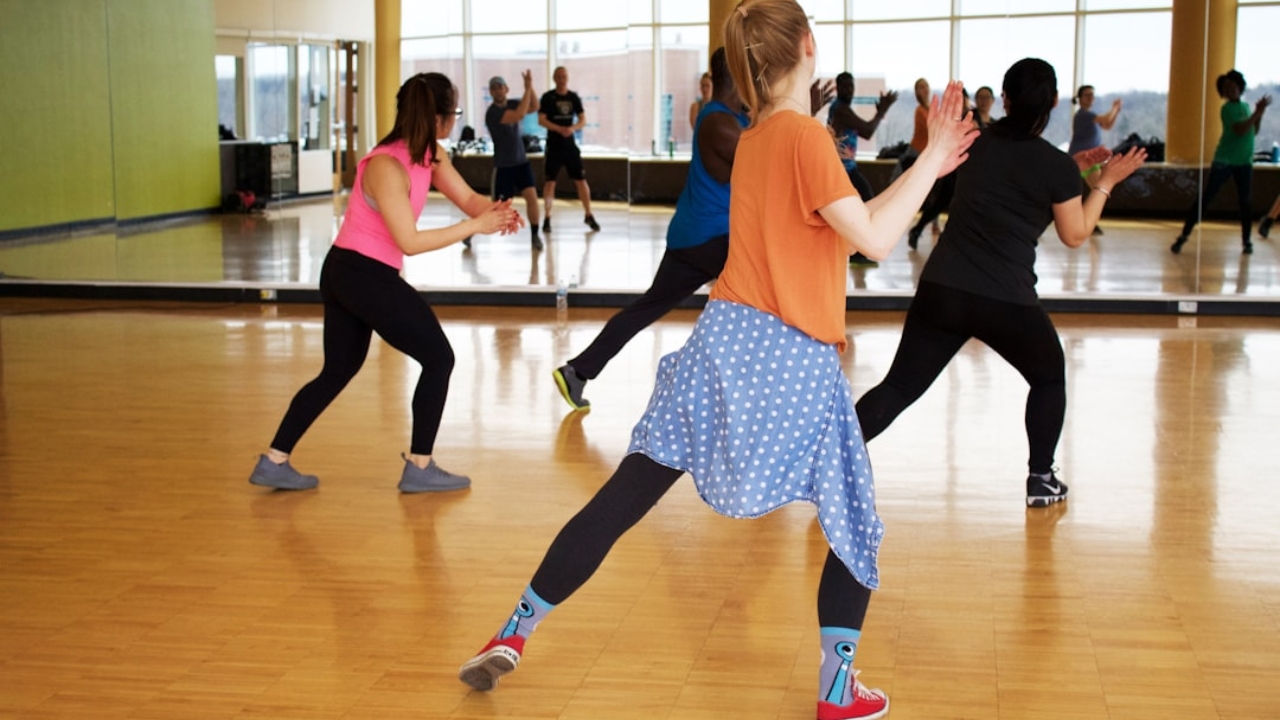
Most dance studio marketing is passive: you post on social media, send email newsletters, hope word spreads. Google Ads are active. You bid to appear in front of people who are already searching for what you offer — right now, in your area.
A few reasons they work particularly well for studios:
- High local intent — People searching “dance classes near me” are ready to enroll, not just browsing. The intent to sign up a child or join a class is already there before they ever see your ad.
- Measurable results — Unlike a flyer or a Facebook boost, you know exactly what you spent and how many people clicked, called, or registered.
- Flexible budget — You can start at $300/month and scale up what’s working, or pause entirely in slow seasons.
- Seasonal leverage — Turn campaigns on hard during fall enrollment (August–September) and spring kickoff (January), then pull back when demand naturally drops.
The goal isn’t to run Google Ads on autopilot year-round. It’s to use them strategically — especially during enrollment windows — to fill classes faster than organic marketing alone can manage.
Setting Up Your First Campaign (Step by Step)
Start simple: one Search campaign, targeting your core audience in your city. Here’s how.
Step 1: Choose the Right Campaign Type
In Google Ads, you’ll see many campaign types — Display, Performance Max, YouTube, Shopping, and more. For a dance studio just getting started, use marketing tools for plain Search campaign. This shows text ads to people actively searching relevant terms — no banner design required, no video production.
When Google prompts you to choose a goal, select “Website visits” if you want people to book online, or “Phone calls” if your dance studio prefers calling to inquire. Either works; just be consistent so you can measure your results.
Step 2: Target the Right Keywords
This is where most studio owners either overspend or underperform. The key is matching keyword intent to your actual offer.
High-intent keywords to target:
- “dance classes [your city]”
- “ballet lessons for kids [your city]”
- “dance studio near me”
- “adult dance classes [your city]”
- “hip hop dance classes for kids [your city]”
- “toddler dance classes [your city]”
Keywords to avoid (wrong intent):
- “how to dance” — someone wants YouTube tutorials, not enrollment
- “famous dancers” — zero purchasing intent
- “dance music” — not your audience
Use phrase match or exact match keyword types, not broad match. Broad match will drain your budget on irrelevant searches fast — your ad could show for “dance club events” or “dance workout videos” and you’d pay for clicks from people who have no interest in enrolling.
Also build a negative keyword list from day one — words that, if present in a search, should exclude your ad. Start with: “free,” “jobs,” “hiring,” “audition,” “recital music,” “Halloween costume,” “dance floor rental.”
Step 3: Set a Realistic Budget
A common mistake: setting a $5/day budget and wondering why nothing happens. In competitive local markets, dance class keywords can cost $2–$6 per click. At $5/day, you might get one or two clicks before your budget runs out by mid-morning.
For meaningful data and results, start with at least $10–$15/day ($300–$450/month). During peak enrollment months, consider doubling it. During slower periods, you can pause or cut back significantly.
Set your bid strategy to “Maximize clicks” when you’re just starting — it lets Google’s algorithm optimize for traffic within your budget. Once you have 30+ conversion events (calls, form fills, registrations), switch to “Target CPA” (cost per acquisition) and let the algorithm optimize for cost-efficiency.
Writing Ad Copy That Actually Converts
You get three headlines (30 characters each) and two descriptions (90 characters each). Every character counts.
Lead with specificity, not cleverness:
- Weak: “Dance Classes for Everyone”
- Strong: “Ballet, Hip Hop & More | [City] Dance Studio”
Mirror what they searched: If someone searches “toddler dance classes,” your headline should say “Toddler Dance Classes” — Google bolds matching words in your ad, which dramatically improves click-through rates.
Include a trust signal: “Expert Instructors | Ages 2–Adult” or “Est. 2010 | [City]’s Favorite Dance Studio”
Add a clear call to action: “Enroll Online Today,” “Register for a Free Trial Class,” or “See Class Schedule & Sign Up.”
Write at least 3 headline variations and 2 description variations. Google rotates them automatically and shows you which combinations generate the most clicks — then you can cut the underperformers and double down on what works.
Your Landing Page Has to Do the Heavy Lifting
This is where most Google Ads money gets wasted. You pay for a click — then send people to your homepage, which has no clear path to enrollment.
Every campaign should link to a focused landing page (or at minimum a very focused section of your site) that:
- Matches your ad exactly — If your ad says “Hip Hop Classes for Kids,” the page should open with that headline. Mismatched ads and pages kill conversions.
- Shows the class schedule — Parents want to know if there’s a time that works before they take any other step.
- Has one clear next step — “Register for a Trial Class,” “View Schedule,” or a short contact form. Not five different options pulling attention in different directions.
- Includes social proof — A few parent reviews, a Google star rating, or a photo of happy students in class.
- Works on mobile — The majority of local searches happen on smartphones. If your page is slow or clunky on mobile, you’re wasting your ad spend.
If you’re running Swyvel, your online registration page can serve as a high-converting landing page — it shows available classes, pricing, and lets families enroll in minutes, directly from their phone.
Tracking What’s Actually Working
If you’re not tracking conversions, you’re flying blind. Google Ads without conversion tracking is just spending money and hoping.
Two things to track at minimum:
- Phone calls — Set up call tracking through Google Ads (it’s free and built in). You’ll see exactly which keywords and ads drove people to call your dance studio.
- Online registrations or form submissions — Install the Google Ads conversion tag on your post-registration confirmation page. Your web developer can set this up in under an hour, and online registration guide flow makes it straightforward to track.
Once you have 30+ conversions in a month, you have enough data to start meaningfully optimizing — cutting keywords that cost money without converting, and scaling up the ones that do.
Five Mistakes Dance Studio Owners Make with Google Ads
- Using broad match keywords — Burning budget on searches like “dance clubs tonight” or “dance workout videos” that have nothing to do with enrollment.
- Sending traffic to the homepage — No clear path to enrollment means expensive clicks that bounce in seconds.
- Skipping location targeting — Make sure you’re only showing ads to people within a realistic drive of your dance studio. A 10–15 mile radius works for most suburban studios; urban studios may want tighter targeting.
- Ignoring the search terms report — Google shows you the actual searches that triggered your ads. Review it weekly. You’ll find irrelevant terms to add as negatives, and occasionally discover new keywords worth targeting.
- Giving up after two weeks — Google’s algorithm needs 4–6 weeks and enough conversion data to optimize. Don’t pull the plug before you have meaningful results.
How Much Should You Budget?
Here’s a rough framework by dance studio size. These are starting points, not hard rules — your market’s competitiveness will vary.
| Studio Size | Enrollment Season Budget | Maintenance Budget |
|---|---|---|
| Small (under 100 students) | $200–$400/month | Pause or $50–$100/month |
| Mid-size (100–300 students) | $400–$800/month | $100–$200/month |
| Larger (300+ students) | $800–$1,500+/month | $300–$500/month |
The core math that matters: if a new student generates $1,200 in annual tuition for your studio, and Google Ads costs you $40–$60 per new enrollment, that’s a strong return worth scaling. Most businesses would happily spend $50 to acquire a $1,200 customer — dance studios should think the same way.
Your First 30 Days: A Practical Checklist
Getting started doesn’t have to be overwhelming. Here’s a focused 30-day plan:
- Week 1: Create your Google Ads account, set up conversion tracking (calls + form fills), build your keyword list with 10–20 high-intent terms and a negative keyword list.
- Week 2: Write 3 headline variations and 2 ad descriptions per ad group. Launch with one campaign and a $10–$15/day budget.
- Week 3: Check the search terms report, add negatives for irrelevant queries, pause keywords with zero clicks.
- Week 4: Review conversion data. Which keywords sent people who actually enrolled? Increase bids on those. Cut anything spending money with zero conversions.
After 30 days, you’ll have real data — not guesses — about what’s working for your specific dance studio in your specific market. That’s when the real optimization begins.
There’s a Better Way to Convert Your Ad Clicks
When someone clicks your Google Ad at 10pm on a Tuesday, they want to register right then — not wait until your office opens. Swyvel’s online registration gives parents a seamless enrollment experience from any device, any time. Try Swyvel free and make sure every ad click you pay for has a real chance to convert.